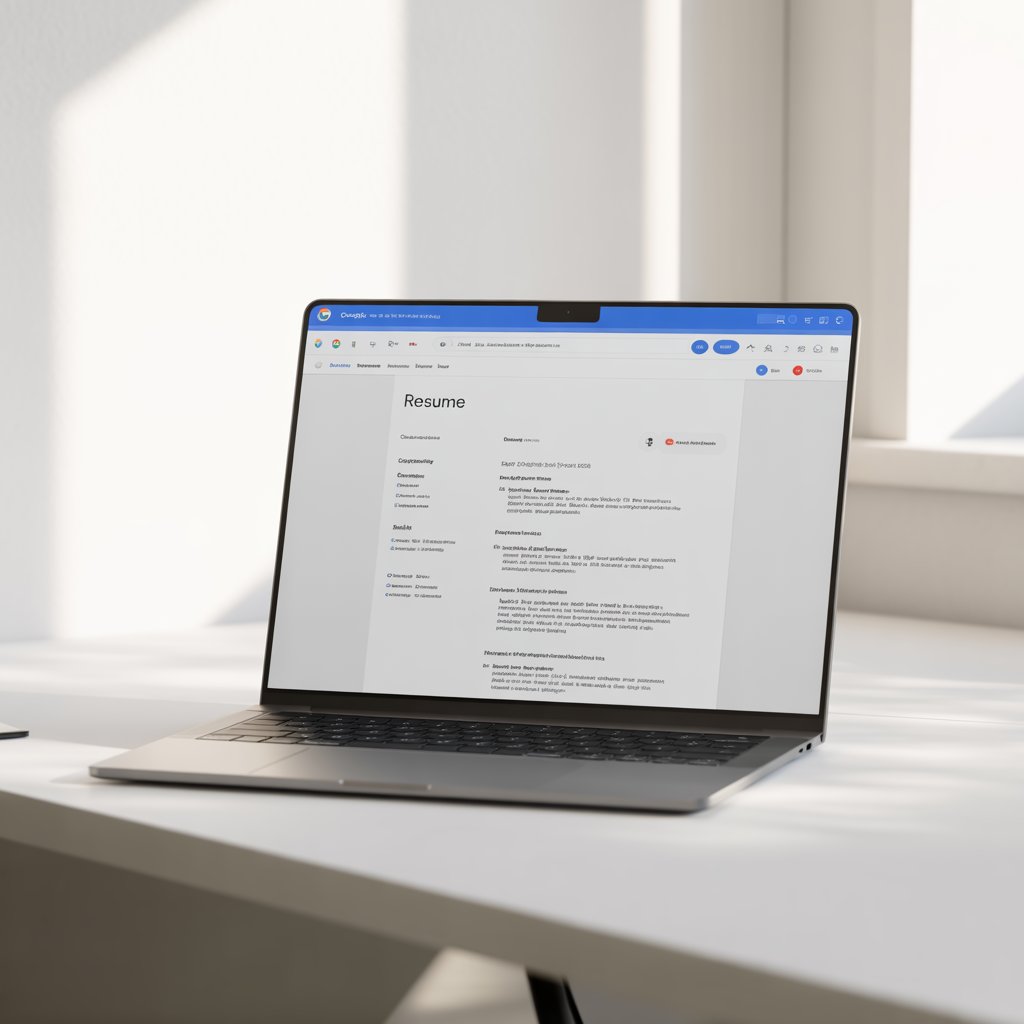
Introduction: What Is a Google Docs Resume Template and Why Do People Use It?
In today’s competitive job market, standing out starts with a strong resume. A google docs resume template provides a ready-made structure that simplifies the process, allowing you to focus on content rather than formatting. These templates are built into Google Docs or available from third-party sites, offering layouts for various professions and experience levels.
People turn to these templates for their convenience. They’re free resume templates that don’t require expensive software. Fresh graduates appreciate the student-focused designs, while professionals value the editable resume template options that align with industry standards. With real-time collaboration, you can share drafts for feedback, and cloud storage ensures you never lose your work. Whether you’re a job seeker updating your professional resume format or a student building your first one, these tools make the task efficient and stress-free.
Google Docs has evolved, with updates in 2025 enhancing template integration and AI-assisted editing. This makes it easier to create an ATS resume template that passes applicant tracking systems used by 99% of large companies.
Benefits of Using a Google Docs Resume Template
Switching to a google docs resume template offers several advantages over starting from scratch.
- Accessibility and Cost-Effectiveness: No need for paid software like Microsoft Word. Access your resume from any device, anytime, as long as you have a Google account.
- Ease of Customization: Drag-and-drop elements, change fonts, and add sections effortlessly. It’s perfect for tailoring to specific jobs.
- Collaboration Features: Share your document with mentors or peers for real-time edits and suggestions.
- Built-in Templates and Third-Party Options: Google’s gallery includes basics like Swiss and Coral, while sites like Resume Genius offer 28 free options updated in December 2025.
- ATS Compatibility: Many templates are designed to be scannable by automated systems, avoiding common pitfalls like complex graphics.
- Time-Saving: Pre-formatted sections for skills, experience, and education mean you can complete a resume in under an hour.
For job seekers, this means more time applying and less formatting frustration. Students benefit from simple layouts that highlight internships and academics, while professionals can opt for sleek, modern designs.
Types of Google Docs Resume Templates
Google docs resume templates come in various styles to suit different needs. Here’s a breakdown:
Modern Google Docs Resume Templates
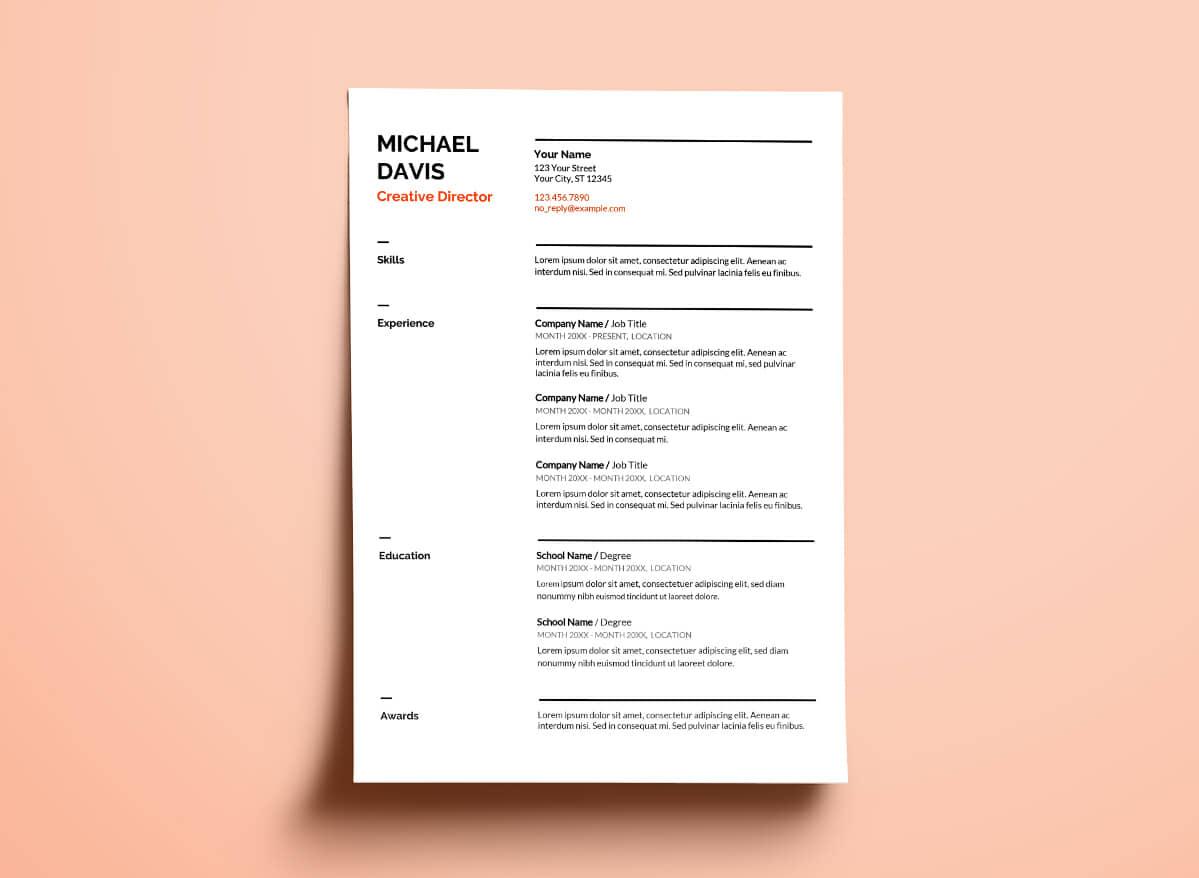
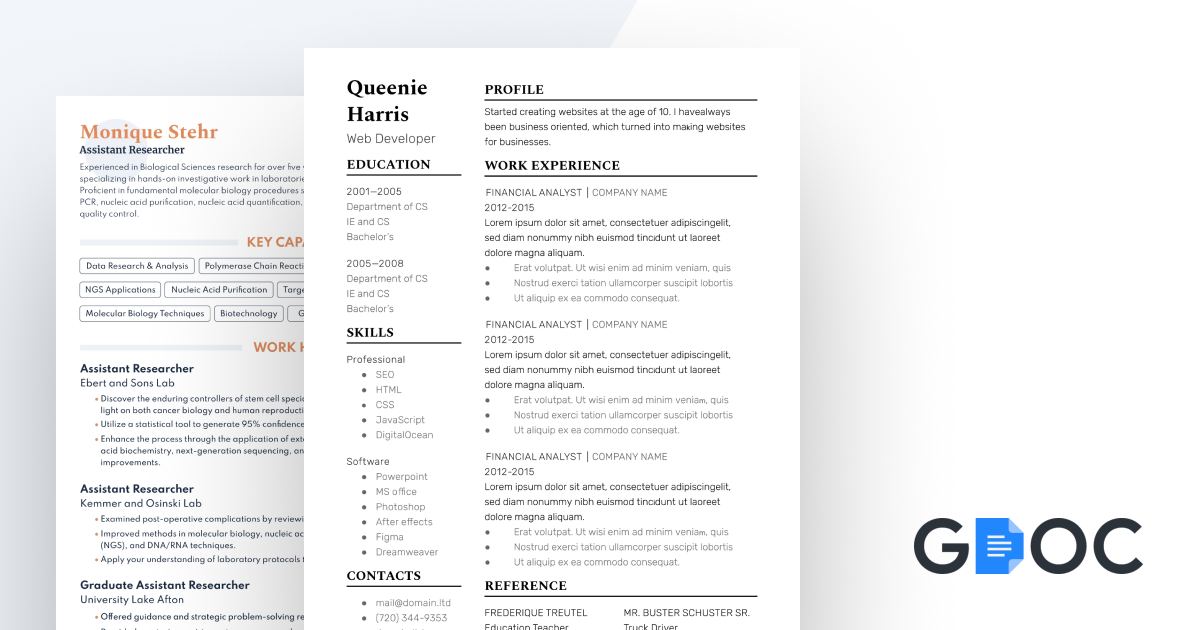
These feature clean lines, bold colors, and contemporary fonts like Arial or Calibri. Ideal for creative fields like marketing or tech, they include space for skills icons or progress bars. For example, the Modern Writer template from Big Interview uses a two-column layout for visual appeal.
Professional Google Docs Resume Templates
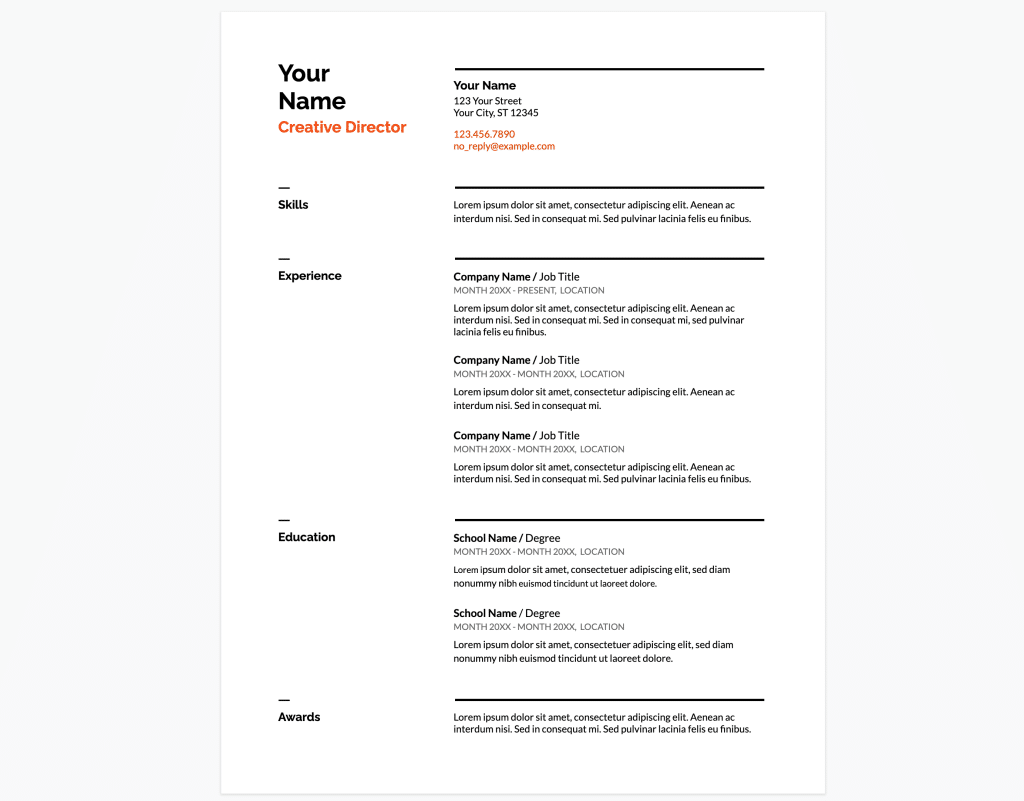
Focused on elegance and simplicity, these use neutral colors and standard sections. The Serif template is a classic choice for corporate roles, with ample white space and easy-to-read bullet points. They’re great for executives or those in finance.
Student Google Docs Resume Templates
Tailored for entry-level users, these emphasize education, projects, and extracurriculars. Sites like gdoc.io offer high school-friendly options with sections for volunteer work. They’re editable resume templates that help fresh graduates showcase potential.
ATS-Friendly Google Docs Resume Templates
These avoid tables, images, and fancy fonts to ensure compatibility with applicant tracking systems. Jobscan provides 15 free ATS-tested templates. Use standard headings like “Work Experience” for better parsing.
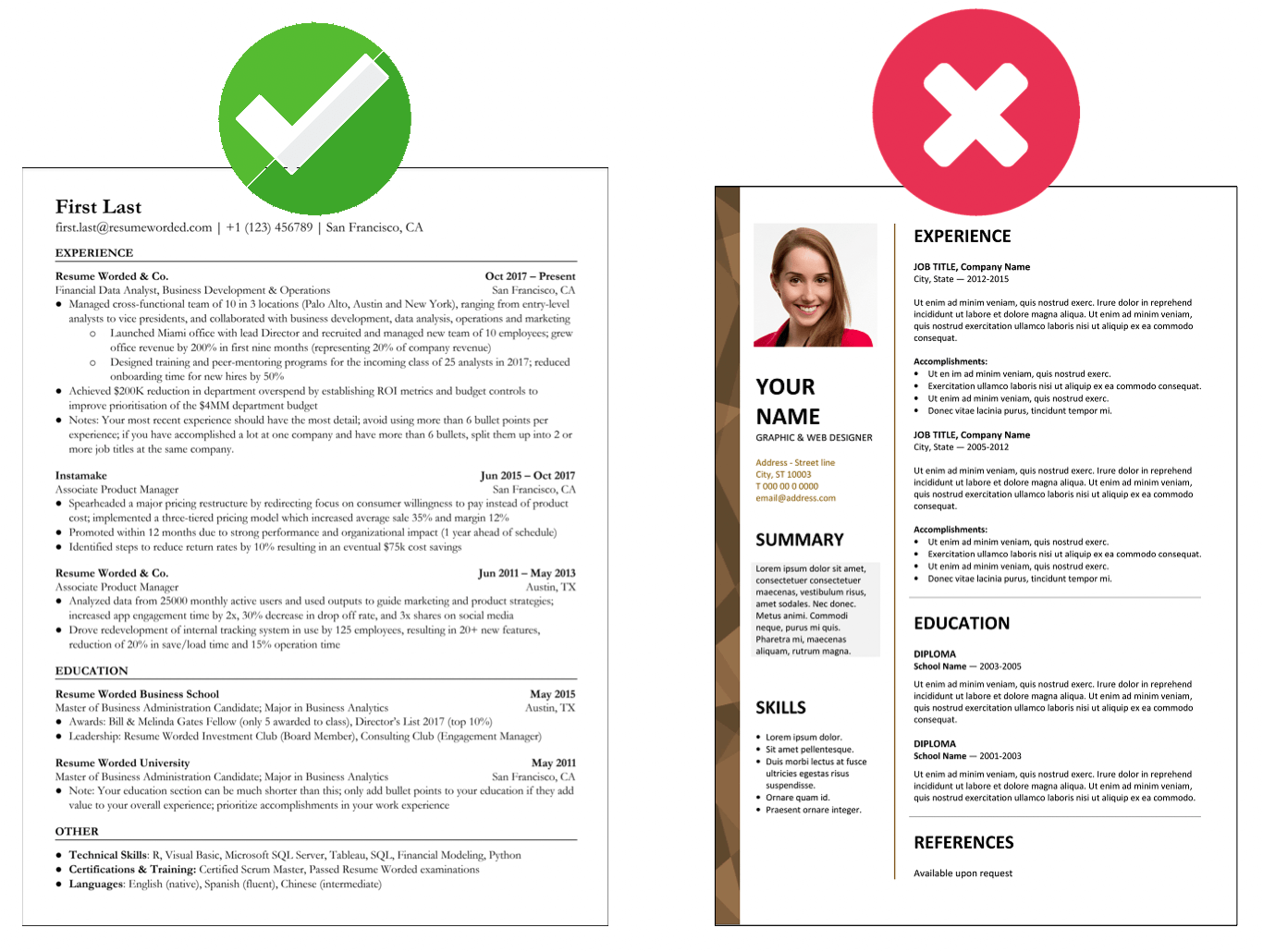
Choose based on your industry—modern for creative jobs, professional for traditional ones.
Step-by-Step: How to Use a Google Docs Resume Template
Creating a resume is straightforward. Follow these steps:
- Access Google Docs: Go to docs.google.com and sign in.
- Open Template Gallery: Click “Template Gallery” in the top right.
- Select a Template: Search for “resume” to find options like Coral or Spearmint.
- Make a Copy: Click “Use template” to edit your own version.
- Customize Content: Fill in your name, contact info, summary, experience (use action verbs like “led” or “optimized”), skills, and education.
- Format for ATS: Stick to fonts like Times New Roman (10-12 pt), 1-inch margins, and no graphics.
- Add Keywords: Incorporate job description terms naturally.
- Proofread and Export: Check for errors, then download as PDF.
This process takes about 30 minutes for a basic resume.
Best Google Docs Resume Template Examples (Explained)
Here are top picks from reliable sources:
- Swiss Template: Skills-first format from Resume Genius. Great for tech roles, expandable for combination resumes.Pros: Emphasizes technical skills. Cons: May feel too structured for creatives.
- Coral Template: Friendly with colorful headers, ideal for entry-level jobs.Pros: Adds personality. Cons: Tone down colors for conservative fields.
- Vienna Template: Modern header for creative industries from Resume.io.Pros: Striking design. Cons: Export as PDF to preserve formatting.
- Simple ATS Template from Jobscan: Plain text for maximum compatibility.Pros: Passes ATS easily. Cons: Lacks visual flair.
These examples cover free resume templates for diverse needs.
Google Docs Resume Template vs Word Resume Templates
Both tools create strong resumes, but differences matter.
| Feature | Google Docs | Microsoft Word |
|---|---|---|
| Cost | Free | Subscription (or one-time purchase) |
| Collaboration | Real-time sharing | Limited without OneDrive |
| Templates | Basic built-in, many free third-party | Advanced, more variety |
| ATS Compatibility | Good with simple designs | Excellent, but watch formatting shifts |
| Accessibility | Cloud-based, any device | Desktop-focused, online version limited |
Google Docs wins for collaboration and cost, ideal for students. Word excels in complex formatting for detailed resumes. If formatting changes in Google Docs, export to PDF.
For most, Google Docs’ simplicity suffices, especially with editable resume template options.
ATS Compatibility and Formatting Tips
ATS systems scan resumes for keywords, rejecting 75% that don’t match. Use an ATS resume template to avoid rejection.
- Stick to standard fonts (Arial, Calibri).
- Avoid tables, columns, or images—they confuse parsers.
- Use clear headings: “Experience,” “Skills.”
- Incorporate job-specific keywords like “project management.”
- Save as PDF for consistent formatting.
Test your resume with free ATS checkers like Jobscan.

Common Mistakes to Avoid
Don’t sabotage your efforts with these pitfalls:
- Typos and Grammar Errors: Proofread multiple times; use tools like Grammarly.
- Overly Complex Formatting: Skip fancy elements that break ATS.
- Generic Content: Tailor for each job; avoid one-size-fits-all.
- Length Issues: Keep to one page unless experienced; condense if it spills over.
- Confidential Info: Omit sensitive details from past roles.
- Wrong Export: Always preview in PDF to catch shifts.
Avoiding these ensures your google docs resume template shines.
FAQs About Google Docs Resume Template
What is the best free google docs resume template for beginners? The Coral or Serif templates are user-friendly, with clear sections for skills and education.
Are google docs resume templates ATS-friendly? Yes, if you choose simple ones without graphics. Sites like thegoodocs.com offer dedicated ATS options.
Can I add images to my resume in Google Docs? Avoid for ATS compatibility, but if needed, use sparingly in creative fields.
How do I share my google docs resume template? Click “Share” and set to “Anyone with the link” or email directly.
Is there a google docs resume template for students? Yes, many include sections for projects and internships.
What’s better: Google Docs or Word for resumes? Google Docs for free access and collaboration; Word for advanced features.
Conclusion
A google docs resume template empowers job seekers, students, and professionals to create standout documents efficiently. With free options, ATS-friendly designs, and easy customization, it’s a practical choice in 2025. Start with a simple template, tailor it to your strengths, and avoid common errors for the best results. Update regularly as your career evolves—your next opportunity awaits. For more resources, explore sites like gdoc.io or Resume.io.
[…] maker democratizes beautiful, effective menu design in 2026. By combining thousands of templates, generative AI, premium fonts, and seamless sharing, it helps small businesses and individuals create marketing […]
[…] maker democratizes beautiful, effective menu design in 2026. By combining thousands of templates, generative AI, premium fonts, and seamless sharing, it helps small businesses and individuals create marketing […]